

Your cards. Your case.
Scan Pokémon cards, organize your collection and keep an eye on its value. Record condition and holo variants, open cards on eBay and Cardmarket, and collect with a larger view on your tablet.
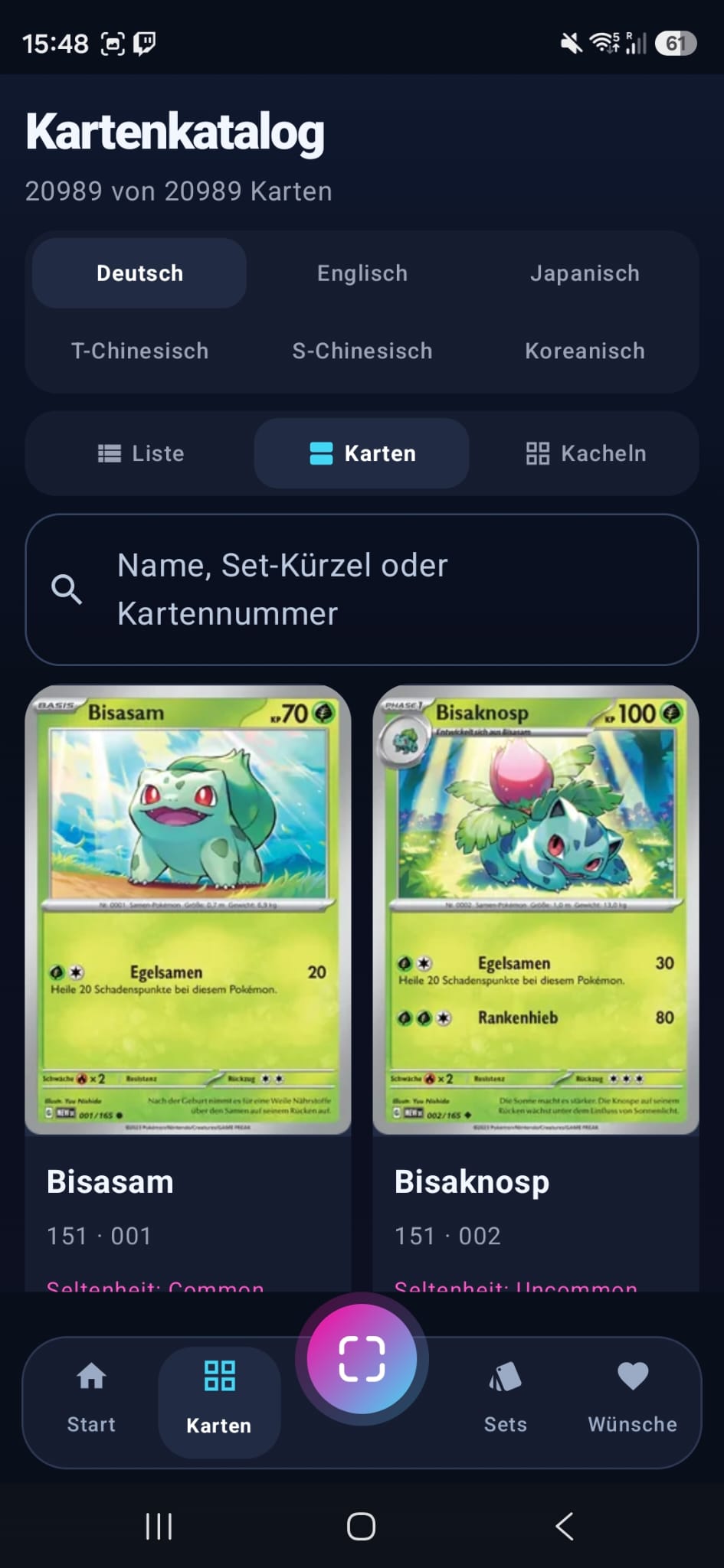
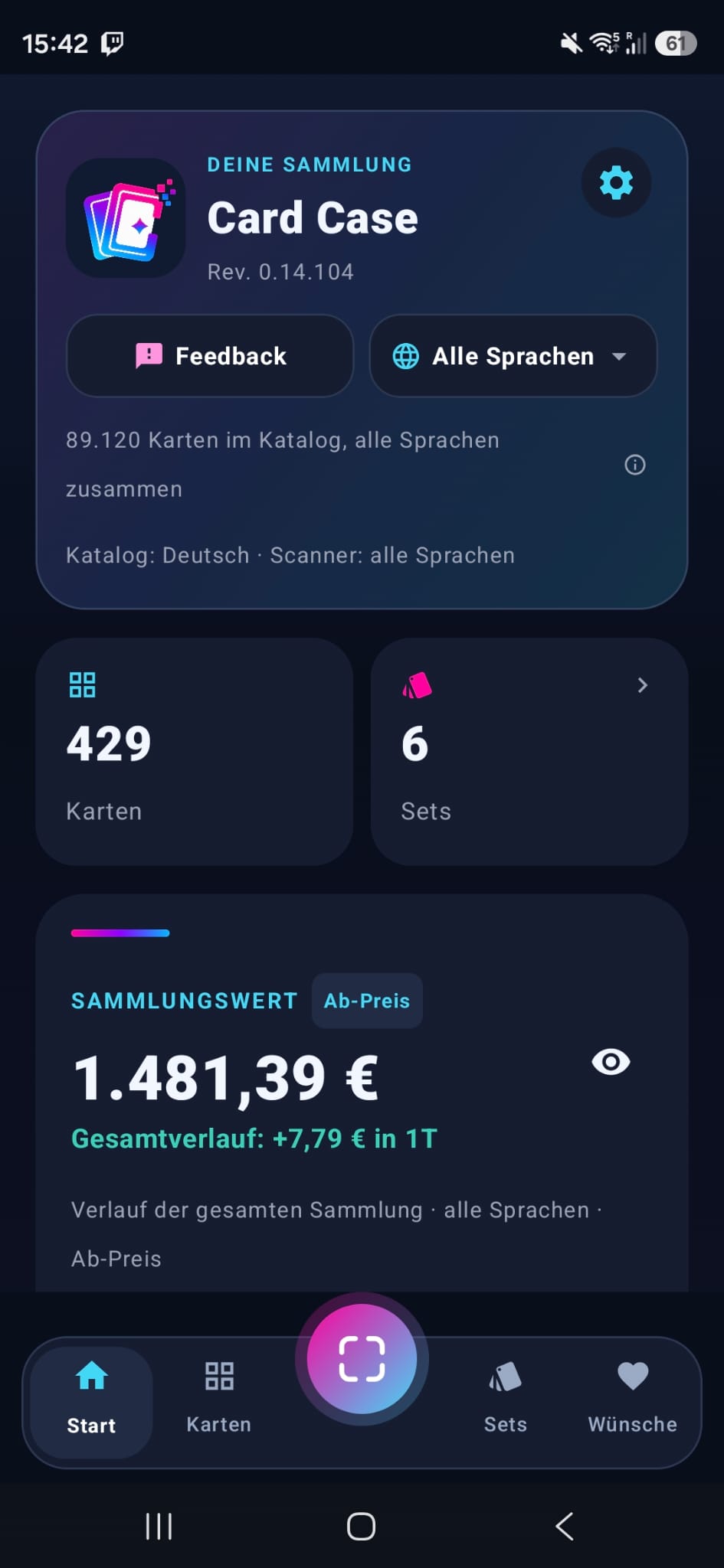
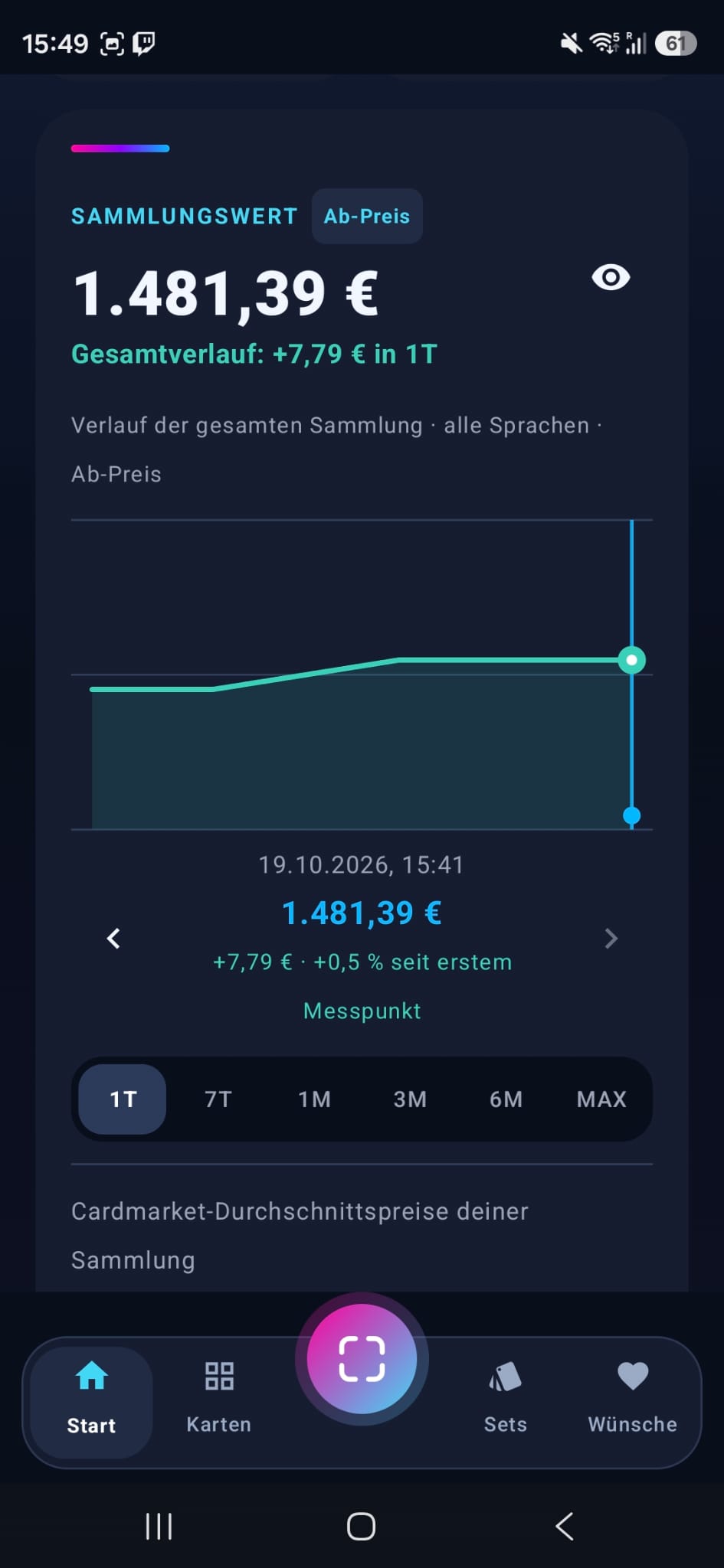
Search for 65/110, Delta Species or full card names. No match in the set? Search the whole catalog directly.
A quick look.This is how you collect with Card Case.
Collection value, scanner, a catalog in six languages and your sets: the clip shows the app in half a minute.
The clip plays without sound as soon as you see it. Use the button to pause it.
Card Case in its new layout.
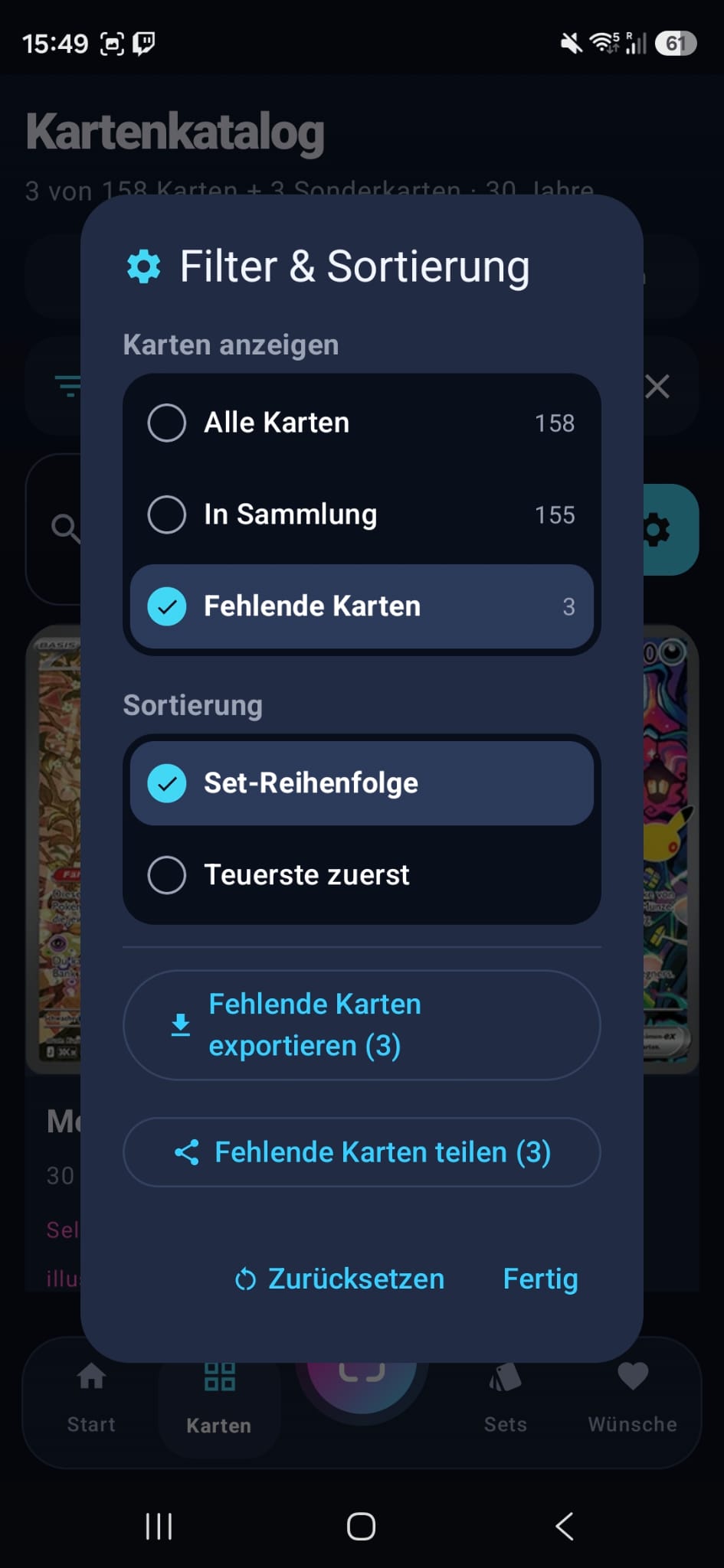
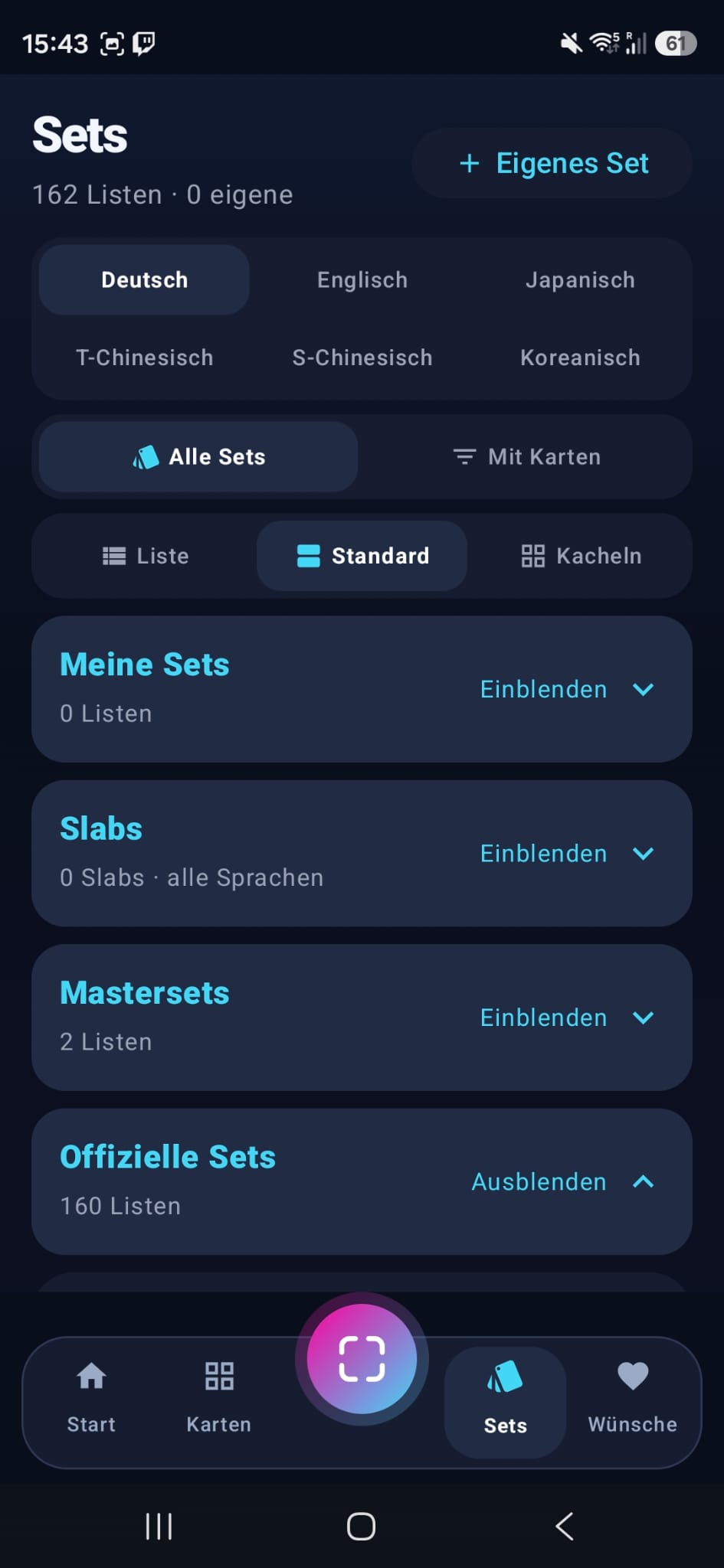
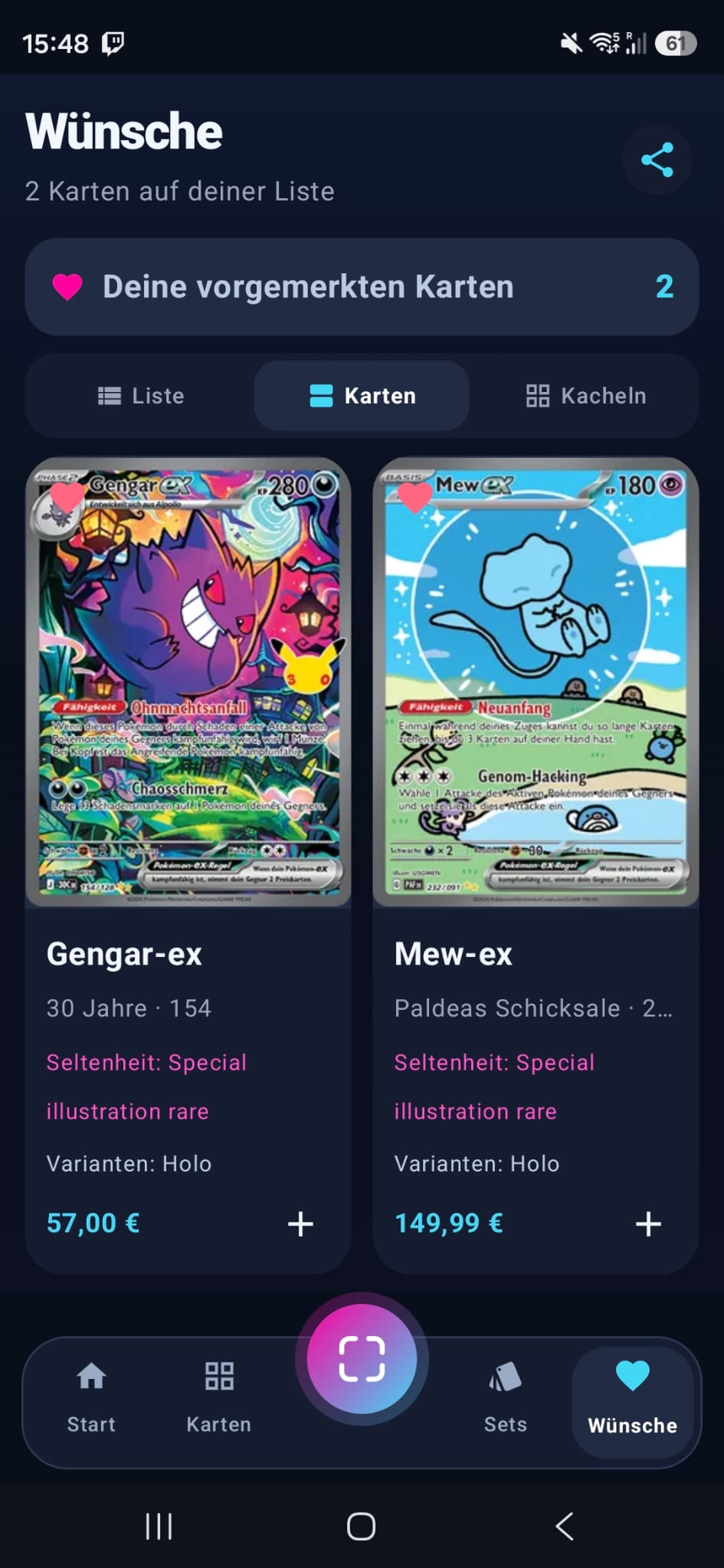
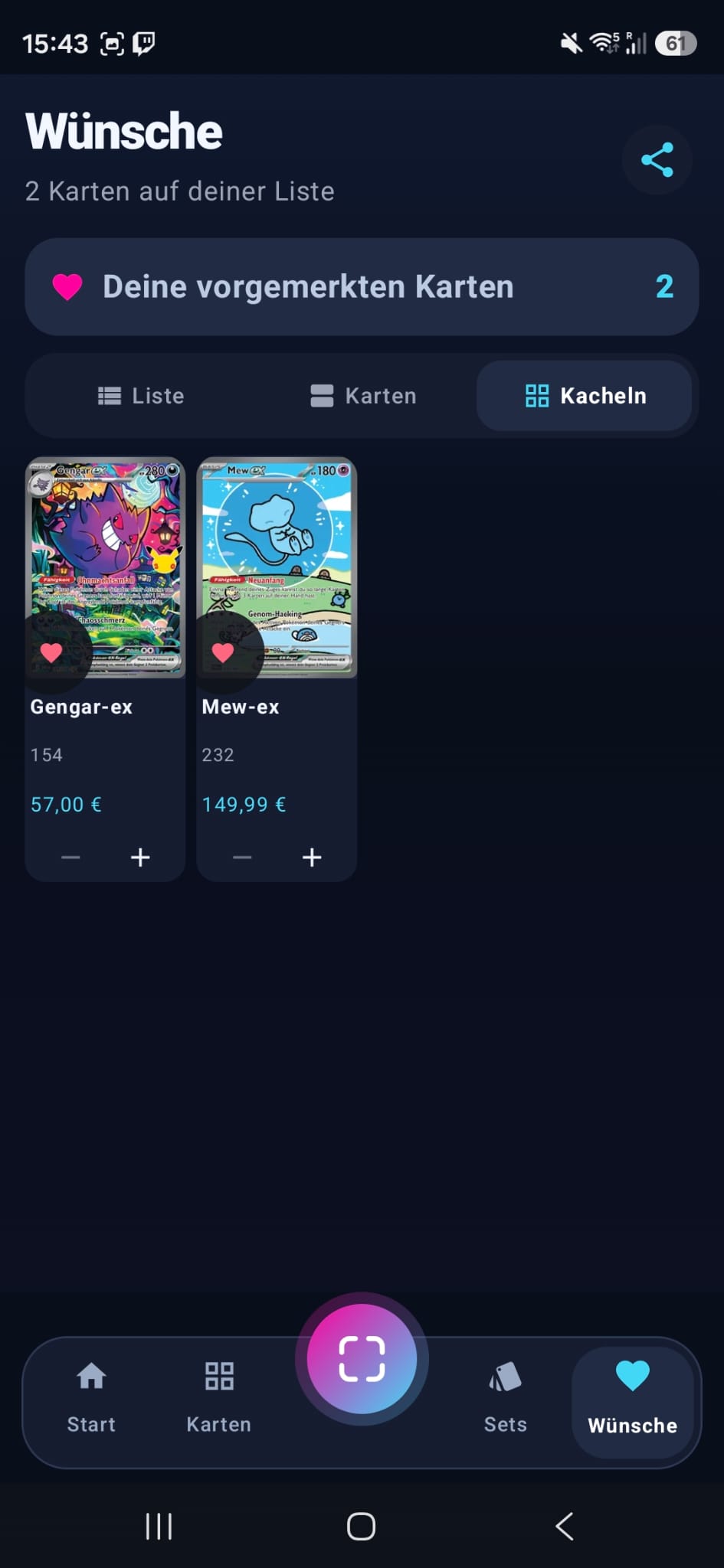
Real screenshots from the Android beta, taken in October 2026.
Swipe through the views or open a picture in full size.
More overview.More fun collecting.
From the card scanner to the update check: discover ten features for your card collection.
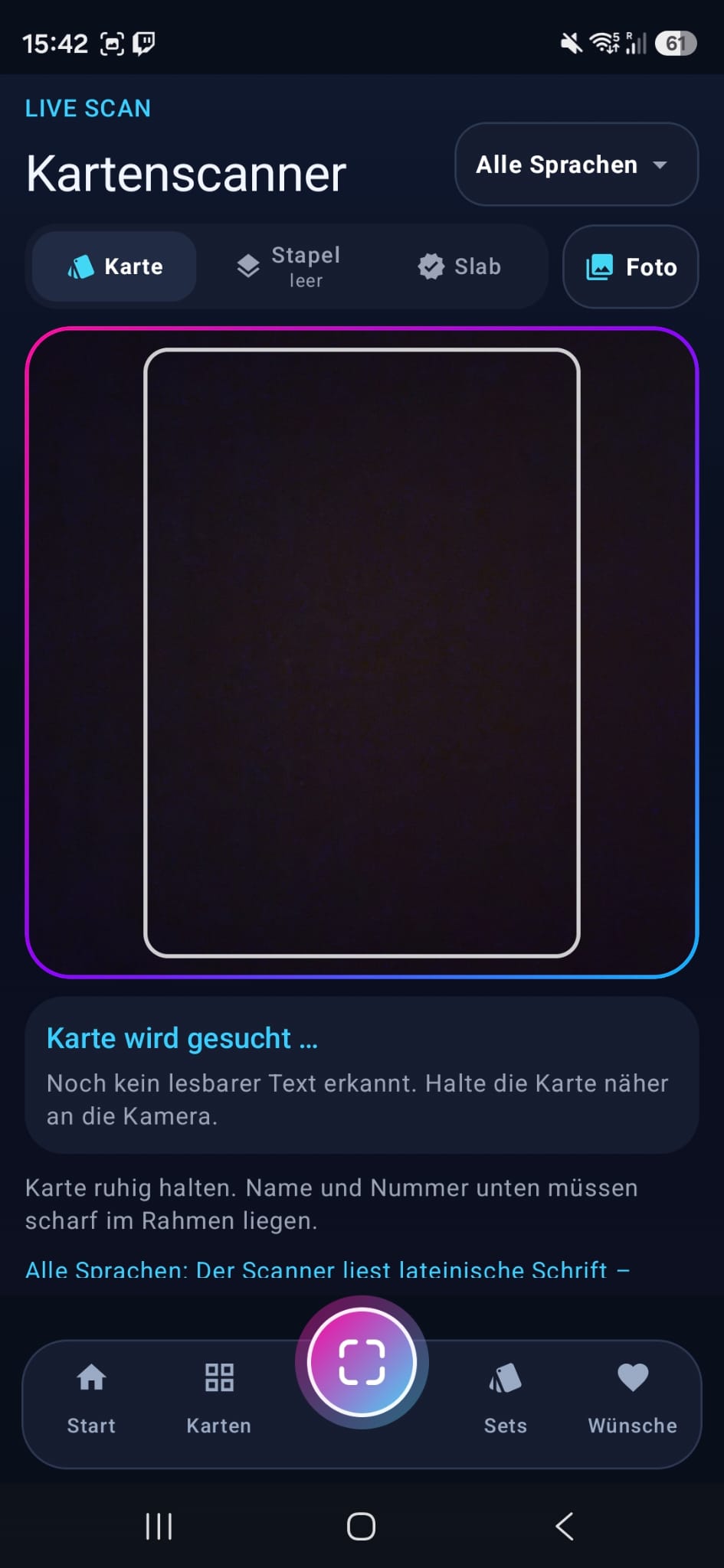
Scan & add
Search for cards by full numbers like 65/110, too. Scan cards and slabs – live, as a batch or from a photo – or add them with an image preview and optional copy details.
Collection value
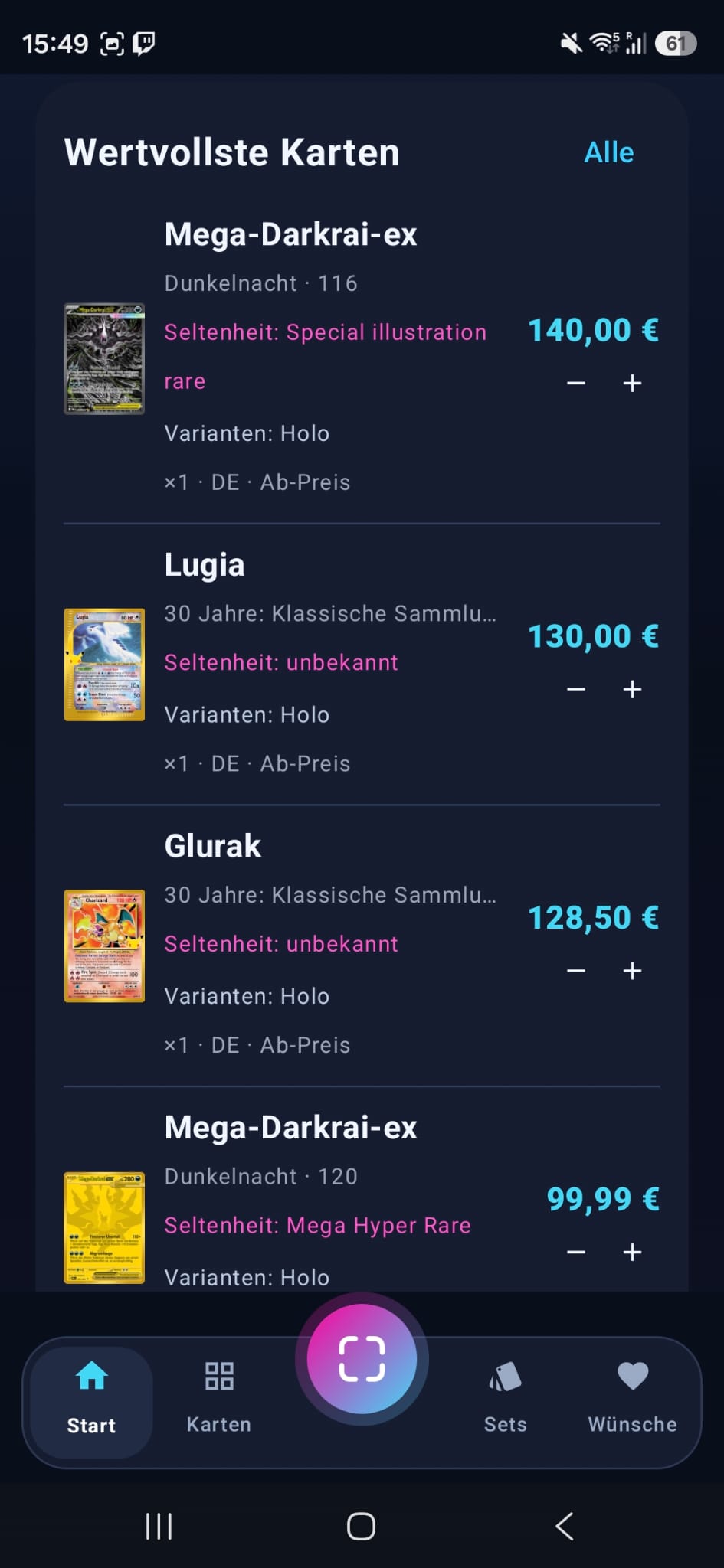
See the value of your collection at a glance and follow how it develops – with purchase prices and profit or loss if you like.
Custom sets
Create custom sets and collect official sets in German, English, Japanese, Chinese and Korean. Switch between “with cards” and “all sets” and keep track of how many cards you have.
Wishlists & sharing
Create wishlists and share your lists and custom sets directly through messenger apps.
Prices, eBay & Cardmarket
Open your card directly on eBay or Cardmarket. Compare offers and research sold items from the card details.
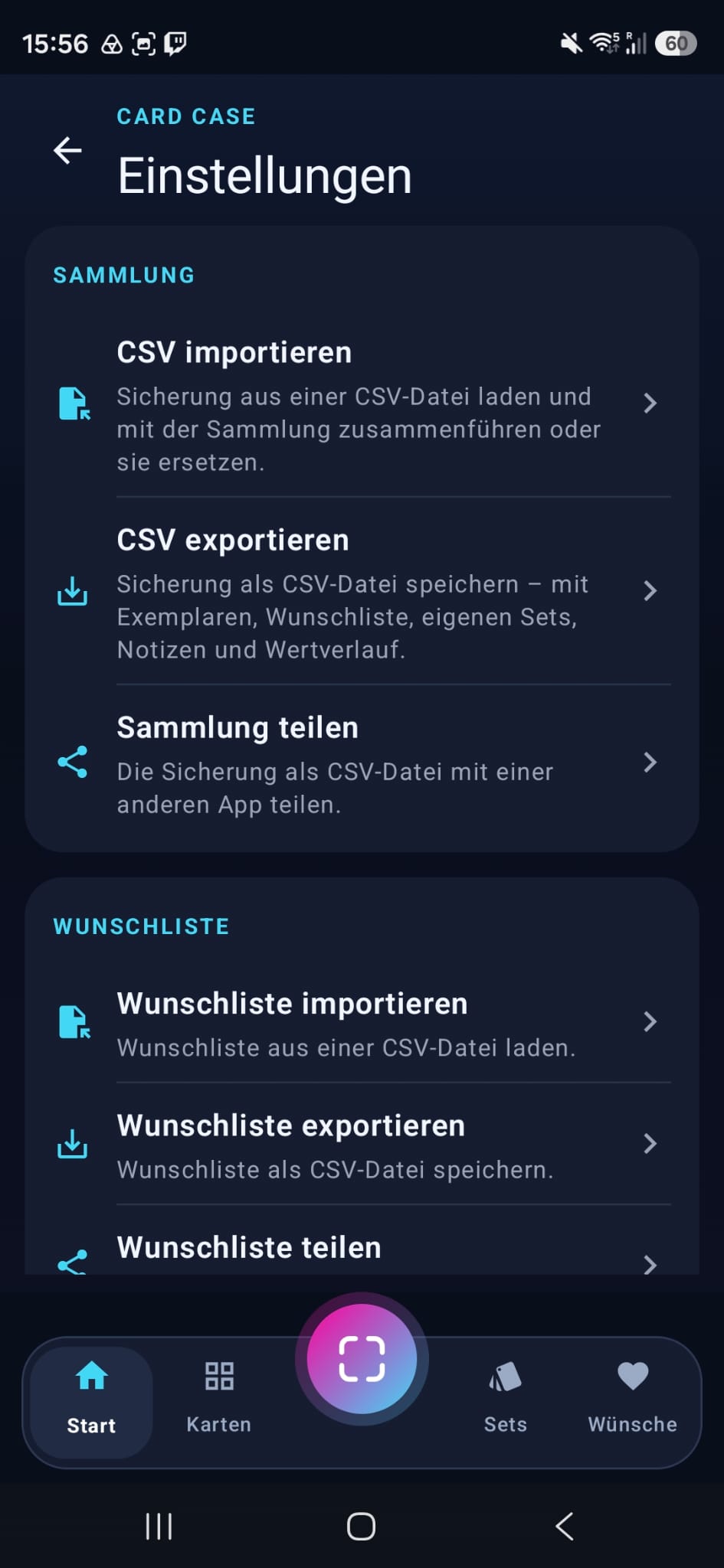
Import & export
Back up your collection and wishlists as CSV – including copy details and your collection value history.
Accessibility mode
Larger text, stronger contrast and more room to tap. Adapt Card Case to your needs and collect with a calmer display.
Tablet mode
Your collection on the bigger screen: tablet mode enlarges the app's view to 160 %. Explore cards, custom sets and wishlists in a roomier layout on your Android tablet.
Condition & variants
Record condition, holo variant and language for each copy, including graded slabs. See Common, Uncommon and Rare in the catalog and in your wishlist, too.
Automatic update check
The app checks for new revisions when it starts. Download the update right away or get reminded later.

Add a card.Simply keep it.
From scan to collection
Start with the scanner or look up the card yourself. When you add a card manually, Card Case shows you clearly that it has arrived in your collection.
- Camera to capture cards
- Manual search by card and set
- Visual confirmation when adding
Card Case is in beta.
The current beta combines real Cardmarket prices with slab recognition, batch scan, master sets, purchase prices and print variants per copy, and an automatic update check. Discover Card Case and join the test with your personal access code.