

All features
Feature05/10

Prices, eBay & Cardmarket

From the card straight to the marketplace: see the available price information in Card Case and open the selected card on eBay or Cardmarket. That way you find suitable offers and can research sold items.

In detail

What you can do with it.

The most important options of this feature at a glance.

01

Price overview

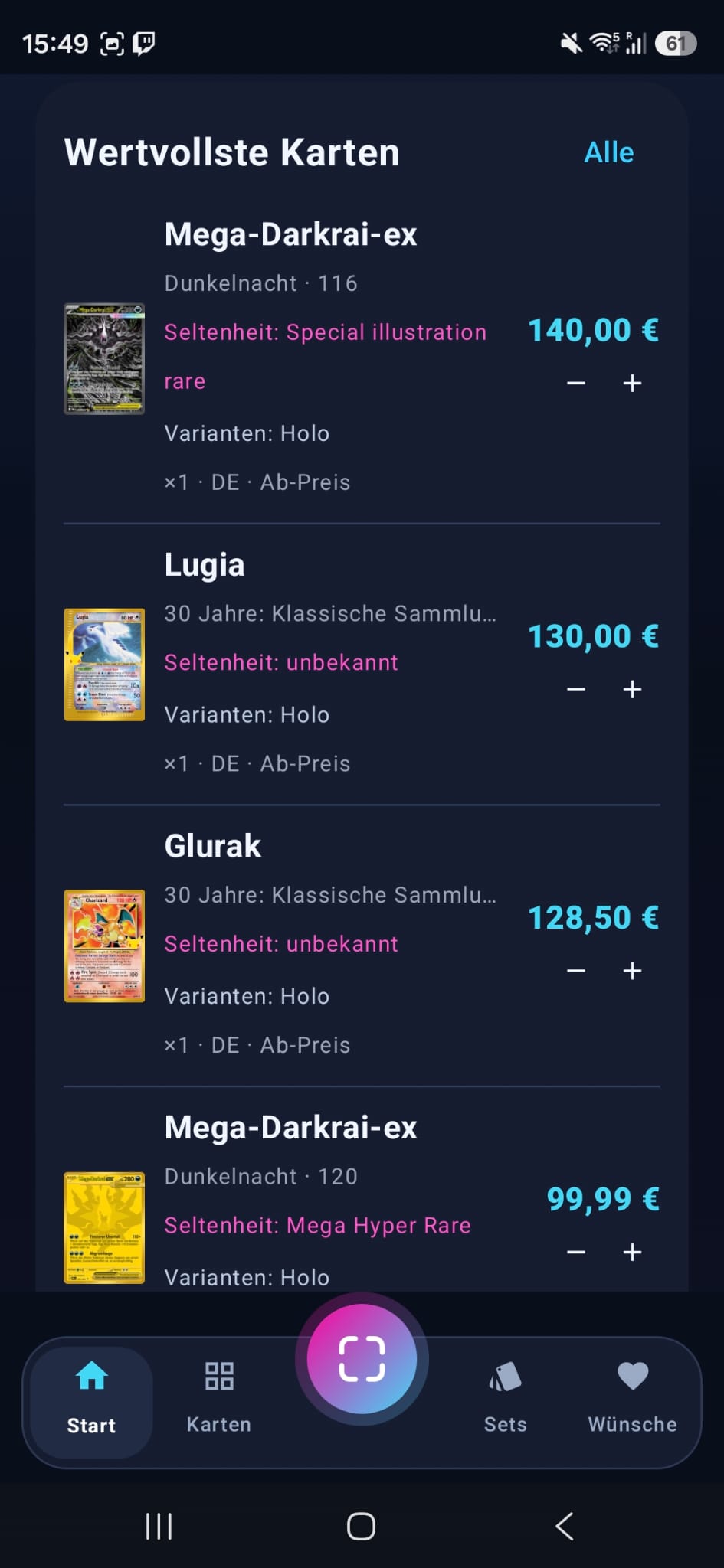
The prices come from the official Cardmarket price list, which Cardmarket recalculates every night. The card details show the price trend, average prices and the lowest price, also for reverse holo, together with the date of the prices. If a Cardmarket price is missing, you enter your own – it stays marked as your entry.

02

Open on Cardmarket

Open the selected card directly on Cardmarket and look at matching offers on the marketplace.

03

Open on eBay

Start the matching eBay search from the card. Card name, set and card number help you find the right edition.

04

Research sold items

Check matching sales on eBay and compare condition, language and card variant to get a better sense of your card's price. For a slab, Card Case searches specifically for sold slabs with the same grader and the same grade, for example PSA 10.

Right from the card details

Your card. Two marketplaces.

Choose a card in Card Case and tap “Auf eBay öffnen” (open on eBay) or “Auf Cardmarket öffnen” (open on Cardmarket). The matching search or card page opens in your browser, where you can compare offers and sales at your leisure.