


All features
Feature06/10

Import & export

Back up your lists as a CSV file and read exported data back into Card Case later.

In detail

What you can do with it.

The most important options of this feature at a glance.

01

Back up your whole collection

Export your collection as CSV. The backup also contains the collection value history, the Cardmarket prices, your notes and own prices as well as condition, print variant, language, purchase price and slab details of the copies you have recorded.
02

Import lists again

Import collections and wishlists back into Card Case. The CSV preview helps you check the file. Older backups without copy details remain readable.

03

Keep and share safely

Save your CSV files outside the app and check them before reinstalling. You can pass on your lists through the Android share menu.

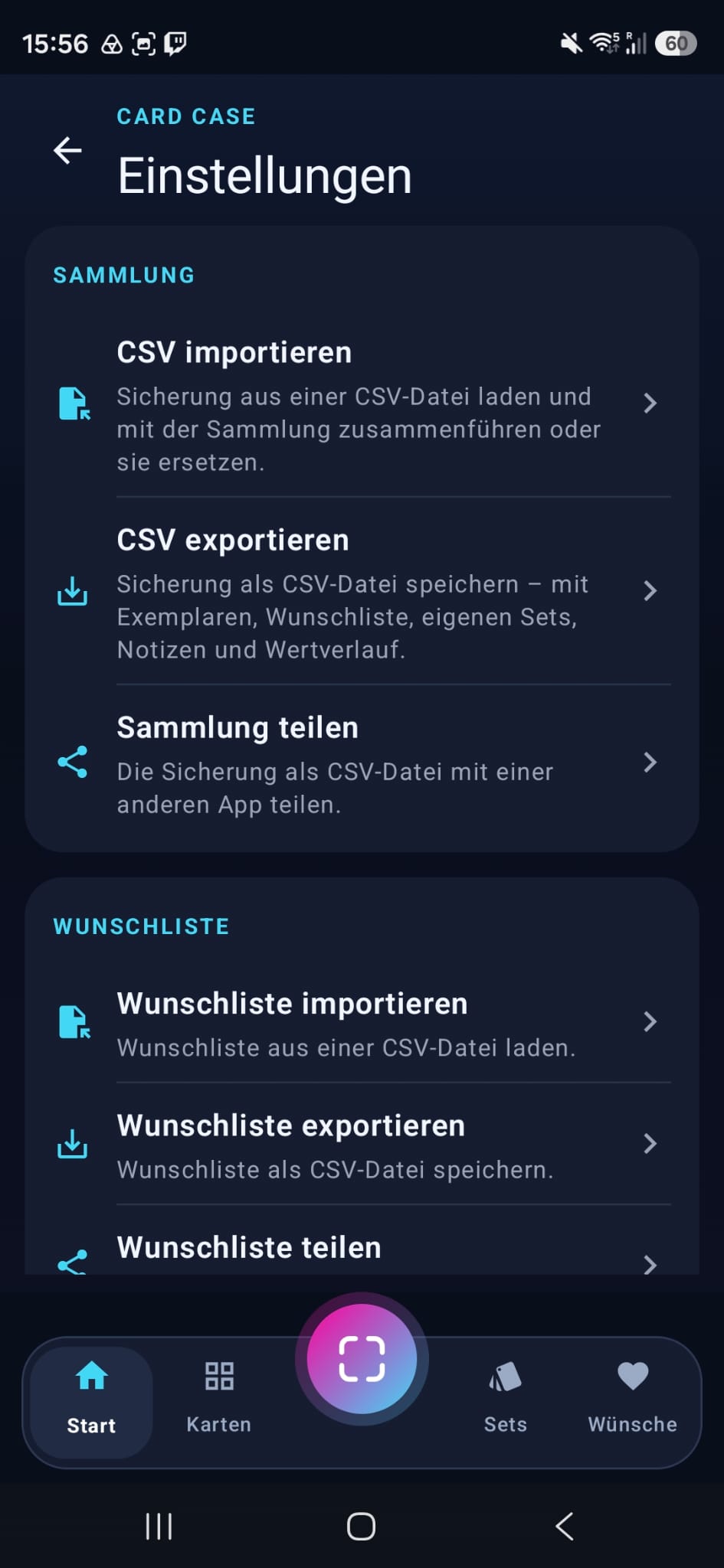
“Einstellungen” (settings) page with import, export and sharing of collection and wishlist
A look inside the app

Your backups in the settings

Tap the gear icon on the home screen: the “Einstellungen” (settings) page has import, export and sharing for your collection and wishlist.