

All features
Feature01/10

Scan & add

Scan your card or find it in the catalog by its name, set code and full card number.

In detail

What you can do with it.

The most important options of this feature at a glance.

01

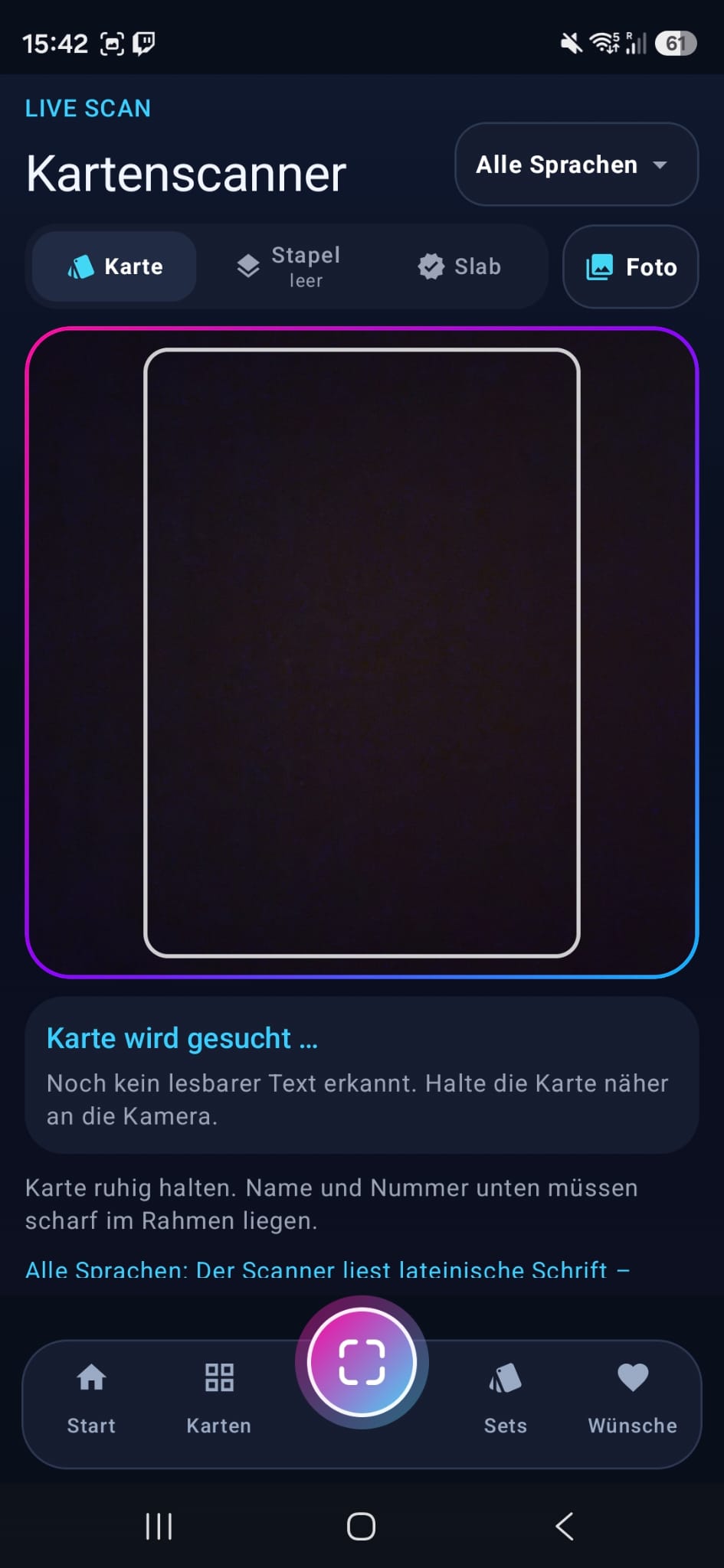
Capture with the card scanner

Capture your card with the camera. You choose the card language – German, English, Japanese, Chinese or Korean – directly in the scanner; with “all languages” it searches all catalogs at once and names the language of every match. The recognized match also shows the known rarity and print variants. You decide which card to add to your collection.
02

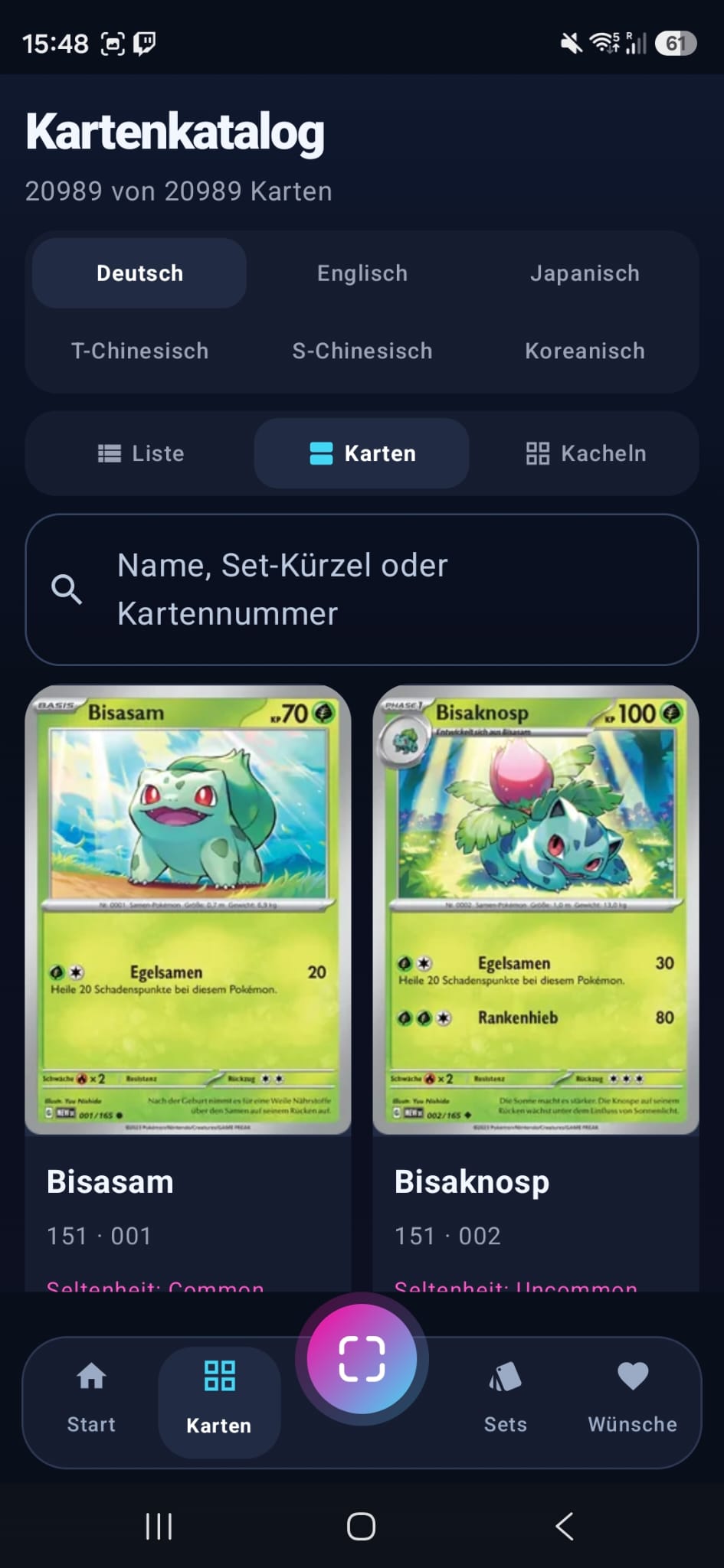
Search the catalog directly

Search by card name, set code or full collector number like 65/110. Names with δ, “Delta Species” and numbers in the name are supported, too.

03

Add and confirm

Plus asks right away for the optional condition and print variant. When you add a card manually, you get a visual confirmation; accessibility mode leaves out the flashing animation.

04

Recognize slabs

In “Slab” mode, the scanner reads grader, grade and certificate number from the label and recognizes the card in the slab. It reads QR codes and barcodes on the label right on your phone.

05

Batch scan

Hold several cards in front of the camera one after another. Every recognized card goes onto the stack. At the end, the “Stapel prüfen” (review stack) page shows all cards: choose quantity, condition, print variant and language for each card, tick what should be added and put cards straight into custom sets.

06

Photos from the gallery

Recognize cards and slabs in photos you have already taken, too – up to 20 photos at once in a batch. The photos are only read on your phone.

Card catalog with search by name, set code or card number
A look inside the app

Prefer to look up the card yourself?

Search for your card directly with “Exeggcute 65/110”, “HP 65” or “Exeggcute Delta Species”. If the selected set has no match, “Im gesamten Katalog suchen” (search the whole catalog) runs the same query without set or ownership filters.